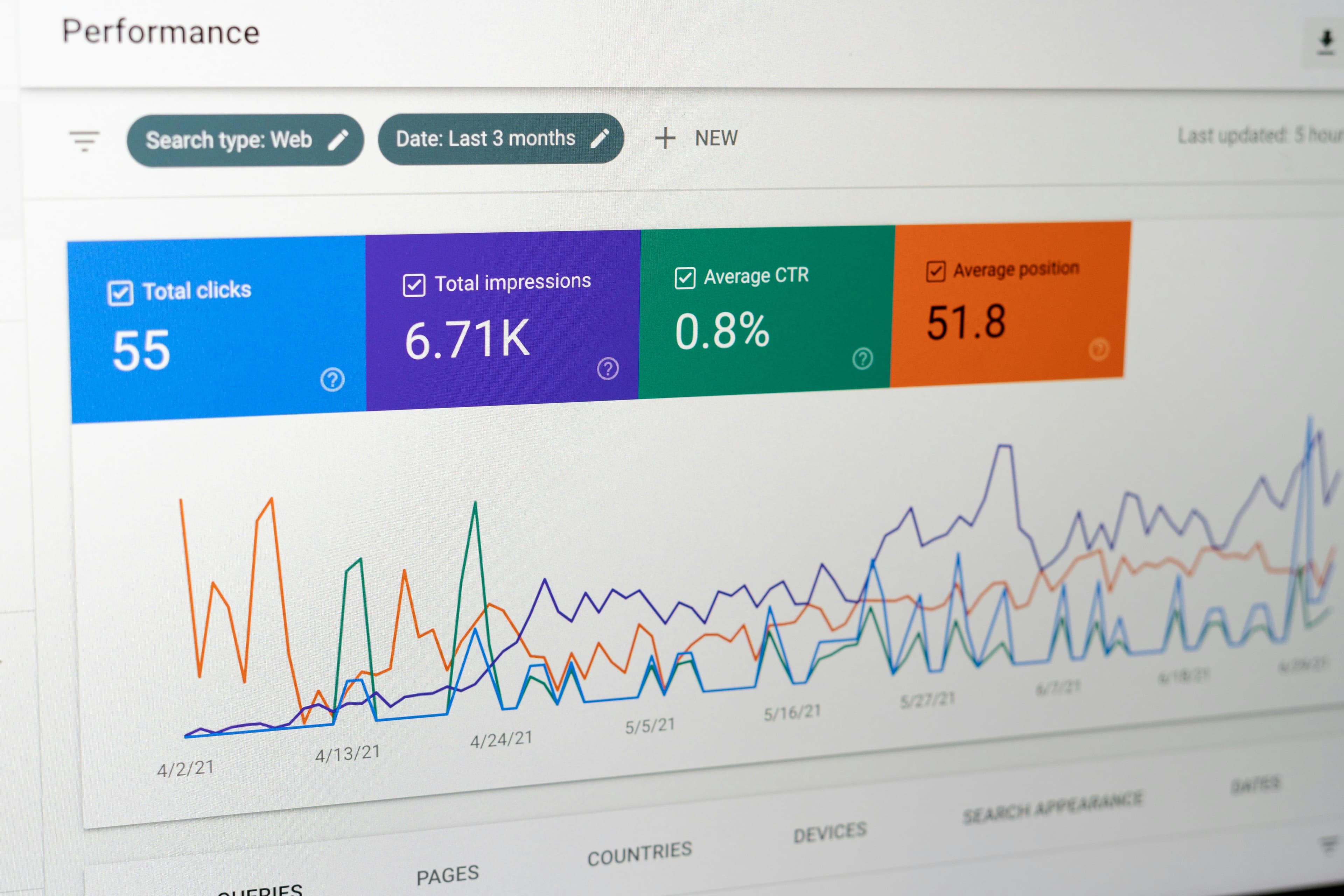
Technical SEO diagnostics involve finding settings that are preventing search engines from retrieving your pages and understanding your content. Just because a URL is in the sitemap doesn't mean it's already indexed. First, distinguish between pages you want to make public and pages you intentionally exclude from search, and make sure your settings serve that purpose.
Check the scan target and final URL
Choose a URL that should appear in search, such as a main landing page or product page. Record the final address after redirects, its HTTP status and the date. Check which pages the report actually covers before drawing conclusions about the entire site.
Read the page-level findings in Milten’s SEO check. Mark inaccessible pages and incomplete checks as unverified.
Distinguish between crawl limits and noindex
Illustrative example: a public product page still has a noindex directive left over from development. Confirm with the responsible person whether the exclusion is intentional. If it is a mistake, change the configuration that generates the directive and check the published page again. Do not remove intentional restrictions on account pages or private material to improve a score.
Google must be able to access a page to read its indexing directives. See the robots meta and X-Robots-Tag documentation. Crawl control through robots.txt and exclusion from the index serve different purposes.
Check canonical URLs and internal links together
Verify that canonical points to the intended representative URL. Internal links and sitemaps should also use the same final address whenever possible. If you specify canonical as a different page, check to see if the actual content is the same and if that choice was intentional.
The page title and description should summarize its specific content. Describe what visitors can find on that page instead of repeating the same phrase or keywords everywhere. For multilingual pages, verify the visible text as well as the language prefix in the URL.
Compare server HTML and screen content
Compare the main heading and body shown in the browser with the HTML returned by the server. This helps establish what is available before JavaScript runs; the absence of text in the initial HTML alone does not prove that Google cannot index it. Check the initial display and the rendered page separately. A string hidden somewhere in the HTML is not evidence that users can read it.
Investigate markup and structural problems with the HTML checking guide. Examine loading separately with the speed test. A good result in one area does not establish that the others have passed.
If I edit it, will it appear in searches right away?
Even after a technical fix, the search engine must revisit the page and decide whether to index it. Record the publication date and verification results, then inspect the URL’s status in Search Console. Submitting a sitemap does not guarantee indexing.
Do I need to make private pages indexable as well?
Preserve restrictions that serve the page’s purpose. Intended visibility and the protection of user information take priority over a report’s score.
Check technical SEO on public pages. Record both the pages examined and the scope that remains unverified.