
SSR Check
Verify that your pages deliver content without JavaScript — the way search engines and social crawlers see them.

Advantages

JS-off vs JS-on comparison
See exactly how much content is available without JavaScript. Catch pages where crawlers receive empty shells instead of real content.
SPA placeholder detection
Automatically detect empty root elements like #root, #app, or #__next that signal a client-only rendered page invisible to bots.
SEO meta validation
Check that titles, H1 headings, and meta descriptions are present in the server-rendered HTML — not injected only via JavaScript.
Multi-page crawling
Scan up to 500 internal pages to find SSR issues site-wide, not just on the homepage. Get a full picture of your rendering strategy.
How it works
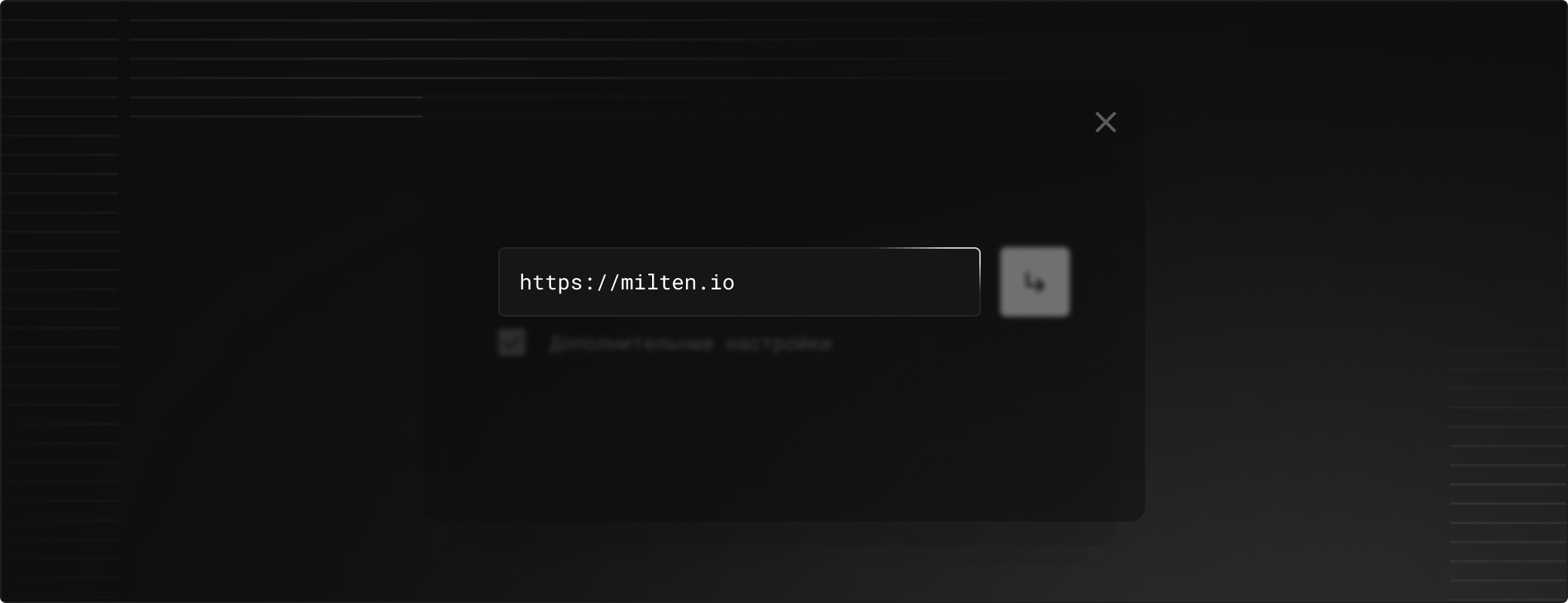
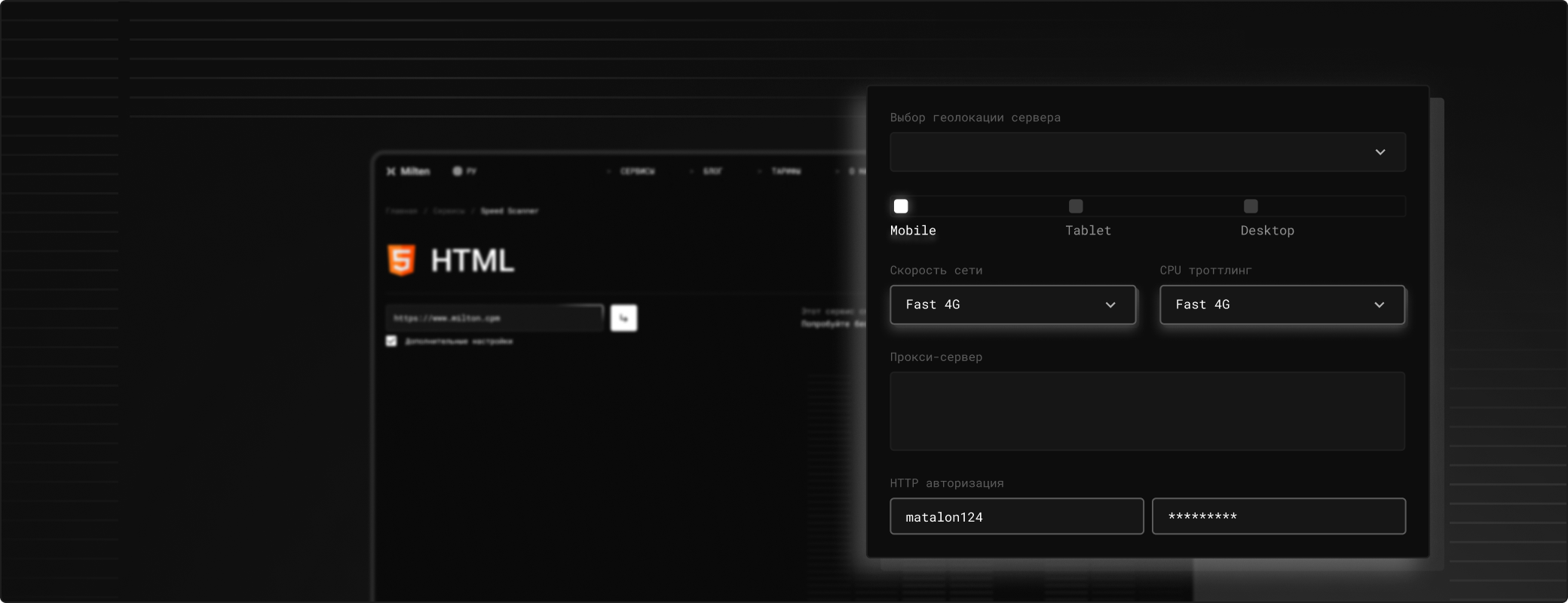
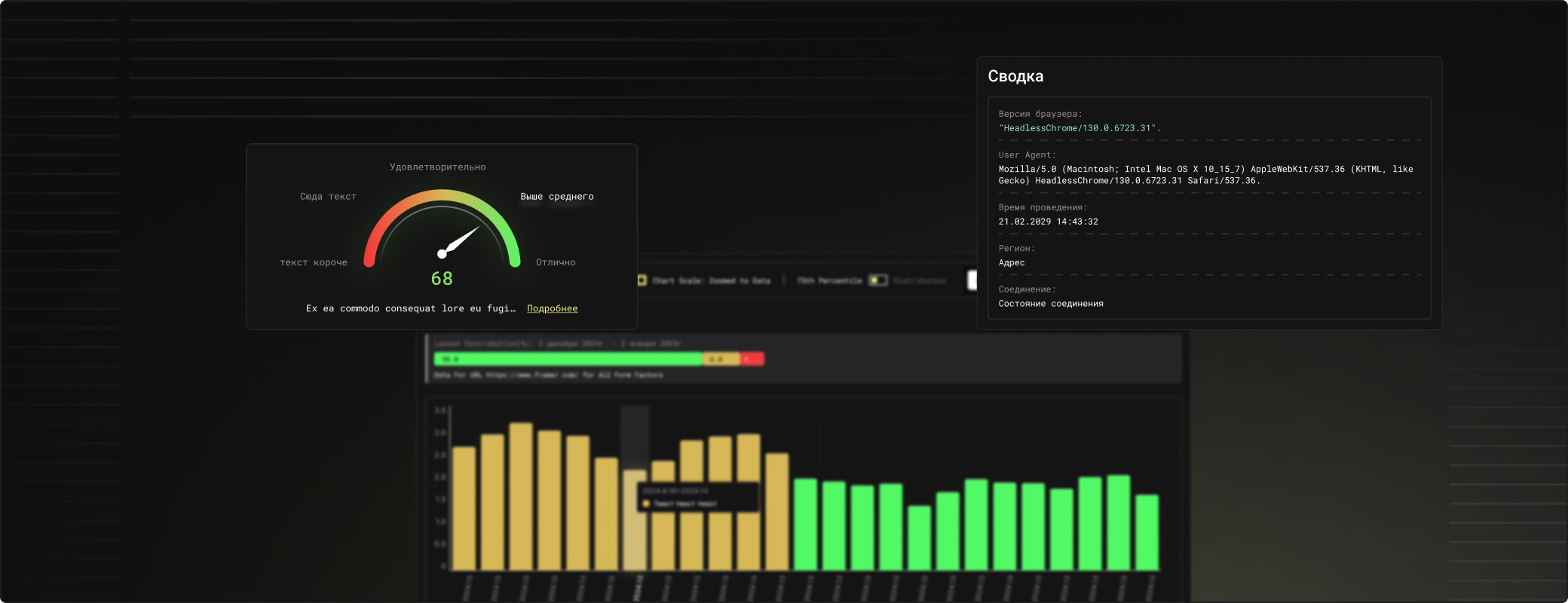
Tools
FAQ
Search engine crawlers may not execute JavaScript or may process it with delays. If your content depends entirely on JS, pages can appear empty to crawlers, leading to poor indexing and lower rankings.
Content ratio compares the amount of visible text with JavaScript disabled vs enabled. A ratio below 20% means most content is JS-only and likely invisible to basic crawlers and social preview generators.
It detects common SPA root selectors (#root, #__next, #__nuxt, #__gatsby, etc.) and checks whether they contain server-rendered content or are empty placeholders waiting for JavaScript.
Yes. Even with SSR-capable frameworks, misconfigured routes, client-only components, or 'use client' directives can result in pages that ship empty HTML. This tool reveals exactly which pages are affected.
Up to 500 pages per scan. The tool follows internal links from your starting URL, so it discovers pages the same way a search engine crawler would.